In Taiwan's amateur golf scene, "Las Vegas" is almost synonymous with foursomes play. The traditional Vegas mode combines two players' scores into a two-digit number (e.g., a 4 and a 5 become 45), which is already quite exciting. But if your group has grown numb to these digit combinations and craves a more intense, dramatic showdown, you absolutely must learn about REN GOLF's new "Multiplication Mode" (Monte).
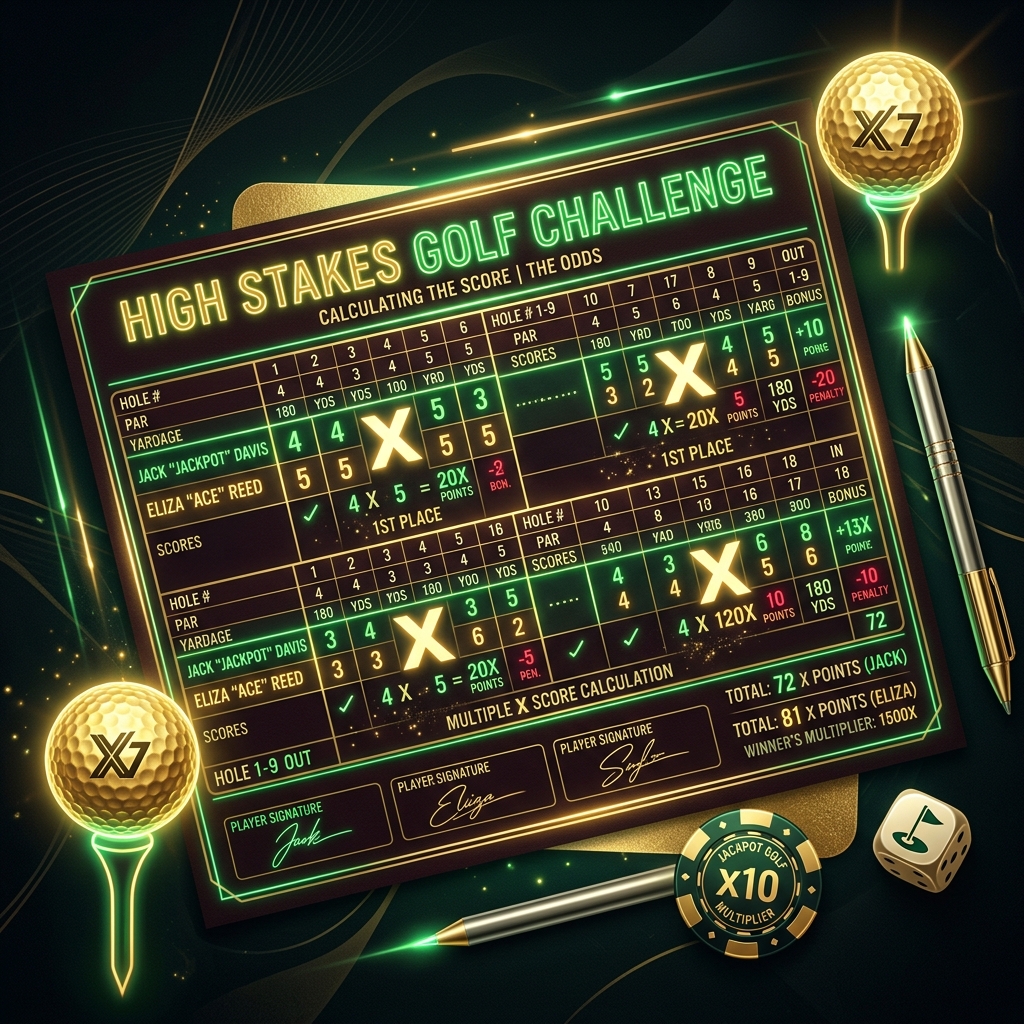
1. The Core Concept: The Explosive Power of Multiplication
As the name implies, the Multiplication Mode takes the scores of you and your partner and multiplies them directly. This might sound like the numbers will be smaller (after all, 4x5=20 is much smaller than 45), but in reality, multiplication exhibits a terrifying amplifying effect when mistakes happen.
| Team | Strokes | Standard Vegas (Digits) | Multiplication Mode (Product) |
|---|---|---|---|
| Team A | 4, 5 | 45 | 20 |
| Team B | 5, 5 | 55 | 25 |
This difference looks mild, right? But the golf course is never short of surprises. When one person makes a huge mistake (like hitting into the water or OB, resulting in an 8), the punishment mechanism of multiplication ruthlessly activates:
| Team | Strokes | Multiplication Calculation |
|---|---|---|
| Team A | 4, 5 | 4 x 5 = 20 |
| Team B | 5, 8 (Blowup) | 5 x 8 = 40 |
In the standard mode, hitting an 8 might result in a combined score of 58, which is 13 points away from 45. But in Multiplication Mode, that 8 acts as a massive multiplier, insanely magnifying your teammate's score! This is the most fascinating aspect of the Multiplication Mode: It severely tests the stability between teammates; any single person's blowup will drag down the entire team.
2. How to Enable Multiplication Mode in REN GOLF?
To let golfers easily experience this heart-pounding gameplay, the REN GOLF App has deeply integrated the "Multiplication Mode" into the Vegas advanced settings. Here's how to turn it on:

1 Create a New Game: Tap "Start Game" on the App home screen, select your course and teammates, and enter the Game Format selection screen.
2 Select Vegas: Choose "Las Vegas" as your primary game format.
3 Enter Advanced Settings: In the Vegas rules menu, find "Aggregation Type". The default is "Two-Digit Combination (Digit)". Tap to switch it to "Multiplication (Monte)".
Once set, the App will automatically apply the multiplication logic in the background. You just need to focus on your swing, and the system will accurately calculate those blood-pumping scores for you!
3. The Ultimate Mind Game: Penalty Strokes
If you thought the Multiplication Mode was just about a change in mathematical calculation, you underestimate the REN GOLF design team. We have exclusively introduced a highly strategic "Penalty Strokes" system into this mode.
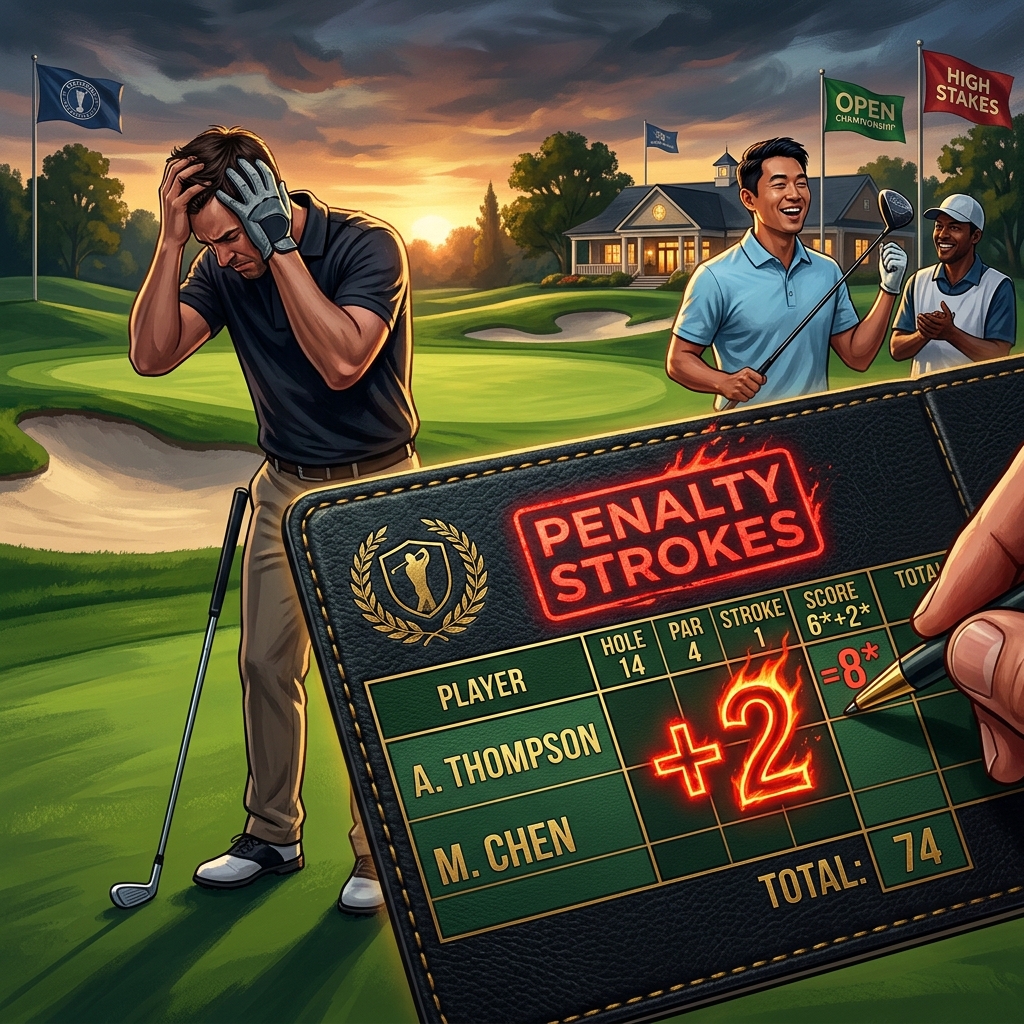
In golf, shooting a good score is usually just to reduce your own strokes. But when the penalty system is enabled in Multiplication Mode, the player who shoots a great score can directly "give strokes" to their opponents, forcibly raising their product!
- Shoot a Par: Forces the opponent's worst score to add +1 stroke
- Shoot a Birdie: Forces the opponent's worst score to add +2 strokes
- Shoot an Eagle: Forces the opponent's worst score to add +5 strokes
- Hole in One (HIO): Forces the opponent's worst score to add +10 strokes 😱
Team A shoots a 3 (Birdie) and a 5. Team B shoots a 5 and a 6.
Because someone in Team A made a Birdie, it triggers a "+2 stroke penalty". These 2 strokes act like a heat-seeking missile, landing directly on Team B's worst score: the "6".
Therefore, Team B's scores are forcibly altered to 5 and 8 (6+2)!
Final Calculation: Team A = 3 x 5 = 15. Team B = 5 x 8 = 40.
Team A originally would have only won 15 points, but through the penalty mechanism, they clean house with 25 points on a single hole!
Double Firepower (Cross Penalty): What if both players in Team A shoot great scores? The system automatically executes a cross-penalty: The player with the better score in Team A punishes the player with the worse score in Team B; and the player with the second-best score in Team A punishes the player with the better score in Team B. This "double friction" can make your opponents mentally collapse in just one hole.
Enabling the Penalty System in the App
This explosive feature is turned off by default. When you select the "Multiplication (Monte)" mode in the App, an "Enable Penalty Strokes" toggle will appear below it. Turn this on, and the App's scorecard will display a prominent red flame effect on the unlucky player who receives forced penalty strokes.
4. The Safety Net: Threshold Tie
Reading this far, you might gasp: "This mode is too brutal! One mistake and you lose dozens of points, my heart can't take it!"
Don't worry. To solve the pain point of Multiplication Mode's high volatility and early "garbage time" blowouts, REN GOLF specially designed the "Threshold Tie" moat.

Because multiplication can easily widen the gap by 3~5 points with just a single stroke difference, the system sets a "tolerance range" based on the Par of the hole to keep the game full of suspense. As long as the product difference between the two teams is within this range, the system will declare the hole a "Tie", and the rewards will roll over to the next hole (Double)!
- Par 3: A score difference of 4 points or less is considered a Tie
- Par 4: A score difference of 6 points or less is considered a Tie
- Par 5: A score difference of 8 points or less is considered a Tie
- Par 6: A score difference of 10 points or less is considered a Tie
Suppose on a Par 4, Team A shoots 4x5=20, and Team B shoots 5x5=25. Although Team B lost by 5 points, because 5 points is less than the Par 4 threshold (6 points), the system determines this hole as a "Tie"! Not only does nobody win or lose, but it also triggers a Double for the next hole! This gives the trailing team hope for a comeback, and the atmosphere on the next tee box will be incredibly tense.
Configuring Threshold Tie in the App
In the advanced settings menu, find the "Tie Threshold" option. You can choose to turn it off (returning to ruthless absolute scoring) or turn on this safety net. We strongly recommend that groups trying Multiplication Mode for the first time turn on the Threshold Tie, as it will significantly increase the entertainment value and suspense of the entire round.
"Multiplication Mode combined with the penalty system turns golf into a survival game of throwing bombs at each other; and the Threshold Tie is the thin bulletproof vest we provide for you."
Conclusion: Ready for Your Most Thrilling 18 Holes?
REN GOLF is dedicated to digitizing the fun of traditional golf scoring and giving it new life. The combination of "Multiplication Mode + Penalty Strokes + Threshold Tie" is our ultimate, well-thought-out answer to the Vegas format. It preserves the competitive nature of golf while magnifying the fun of social interaction and psychological warfare.
Before your next round, stop struggling with mental multiplication and penalty calculations on paper. Open REN GOLF, tap a few settings, and leave the complex math to us. You only need to focus on driving the ball down the fairway and giving your opponent a meaningful smile when they make a mistake.
Experience the Power of Multiplication in the App Now
Open advanced settings and enjoy the seamless experience as the system automatically calculates penalties and threshold ties for you.
Launch REN GOLF Now